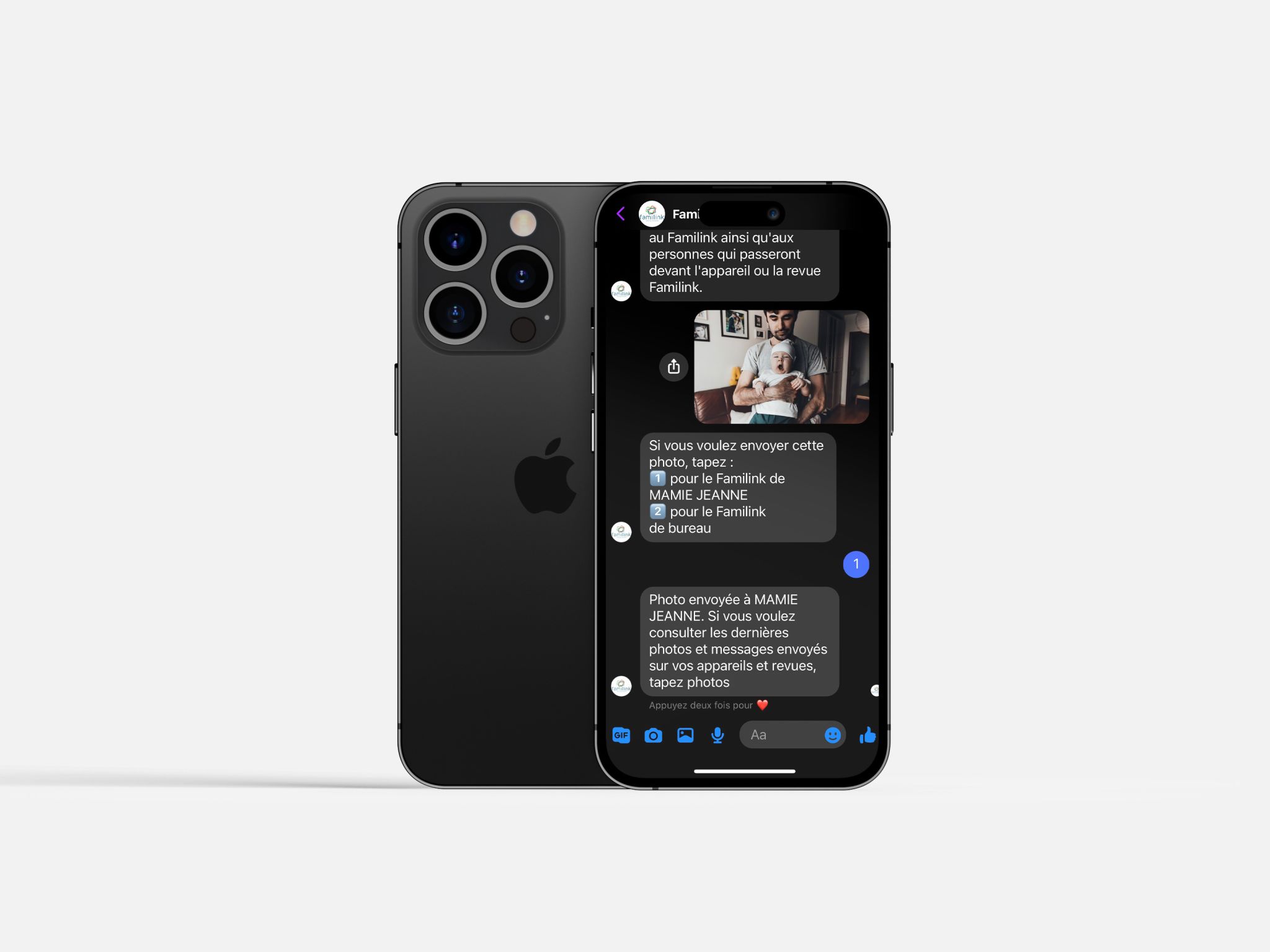
¡Envía tus fotos por Messenger!
Gracias a esta función, puedes enviar tus fotos a tu marco Familink directamente a través de Facebook Messenger. Es una opción muy práctica si ya utilizas Messenger para compartir fotos con tu familia. ¡Ahora tu abuela también puede formar parte de tus contactos en Messenger!
Una novedad de este otoño de 2018 es la posibilidad de enviar tus fotos mediante Facebook Messenger.
¿Para qué sirve?
Con esta función, puedes enviar fotos a tu marco Familink a través de Facebook Messenger. Resulta muy cómodo si ya usas Messenger para compartir imágenes con tus seres queridos. ¡Así tu abuela pasa a estar entre tus contactos de Messenger!
Otra ventaja es que puedes utilizar únicamente la aplicación Messenger para enviar fotos a tu marco Familink. No es necesario instalar la aplicación de Familink.
Familink se adapta a todos los usos y hábitos: aplicación móvil, sitio web, correo electrónico, WhatsApp y ahora también Messenger.
Cosas a tener en cuenta
- Puedes enviar fotos por Messenger a varios marcos. Si tienes más de uno, el asistente te preguntará a cuál o cuáles deseas enviarlas.
- No es posible crear un grupo de Facebook Messenger con tu marco.
- Al enviar fotos por este medio, aceptas que se almacenen en los servidores de Facebook. Aunque están protegidas y no son accesibles públicamente, no nos hacemos responsables del almacenamiento gestionado por Facebook.
¿Cómo funciona?
Sigue estos pasos:
- Obtén el código de Messenger de tu marco. Para ello, entra en la interfaz web y ve a la configuración del marco. Selecciona el marco correspondiente y verás aparecer el código de Messenger.
- Accede a nuestra página de Facebook e inicia una conversación (¡no olvides darle a «Me gusta» a la página!).
- Sigue las instrucciones que aparecerán en pantalla.